
Digital closetOutfit plannerAI try-on

Your clothes.
Endless outfits.

Wearlist turns the clothes you already own into a digital closet. Style outfits on a canvas, see them on yourself with private AI try-on, and plan what to wear all week.

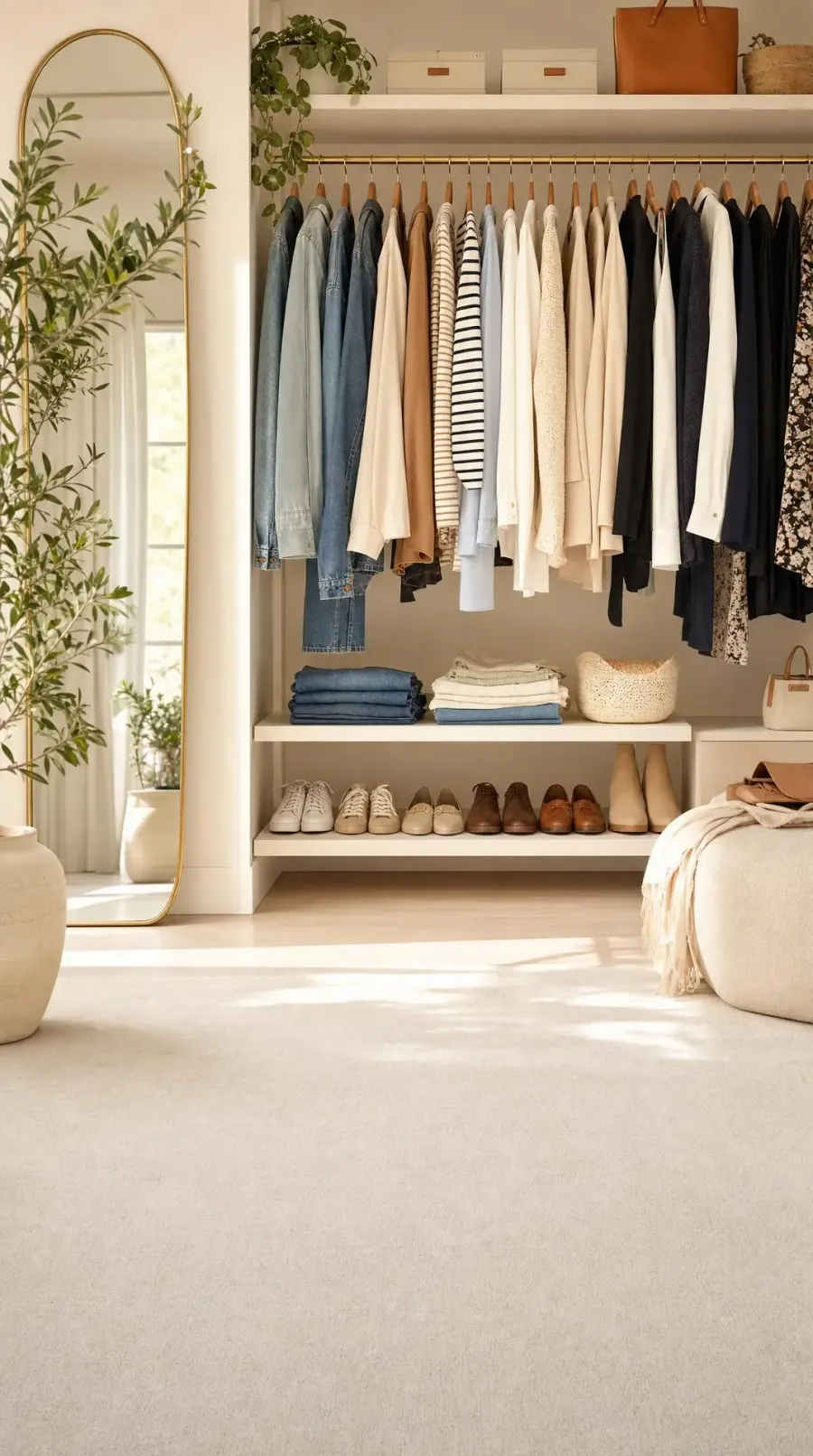
A calm, sunlit wardrobe with denim, knitwear, and shirts on wooden hangers
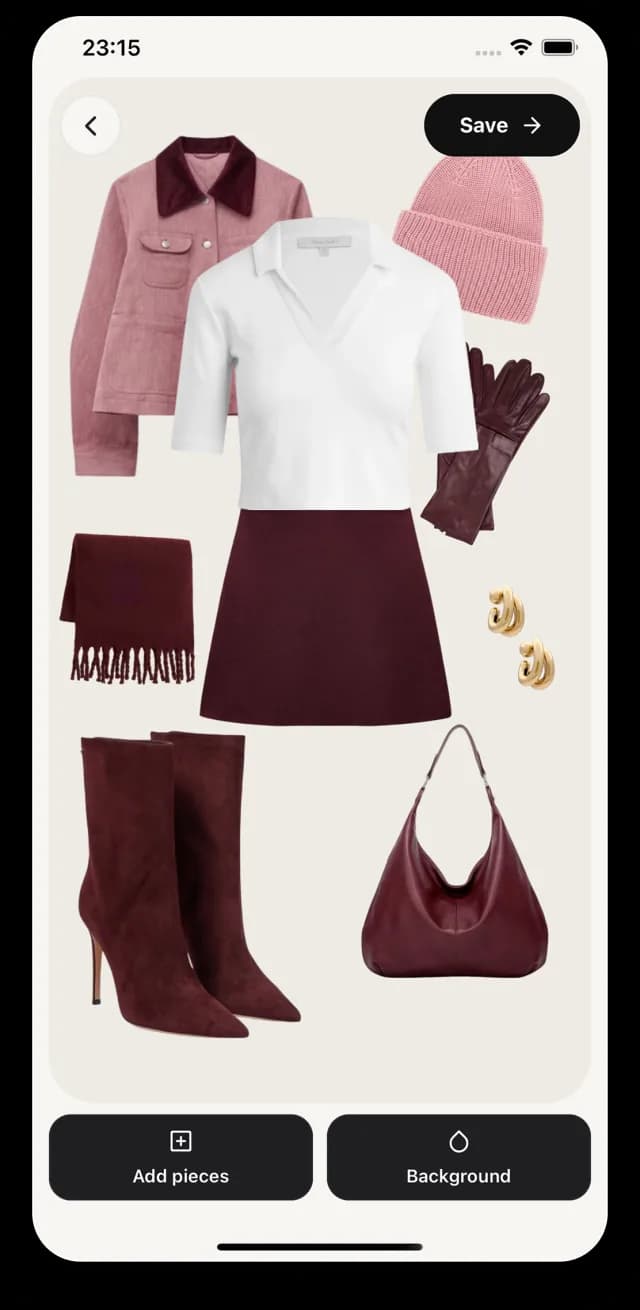
Wearlist outfit builder with a styled autumn look
AI try-on result of the styled look

AI try-on · private

How it works

Everything you need to get dressed.

From the first photo to tomorrow's outfit, Wearlist keeps your style in one calm, beautiful place.

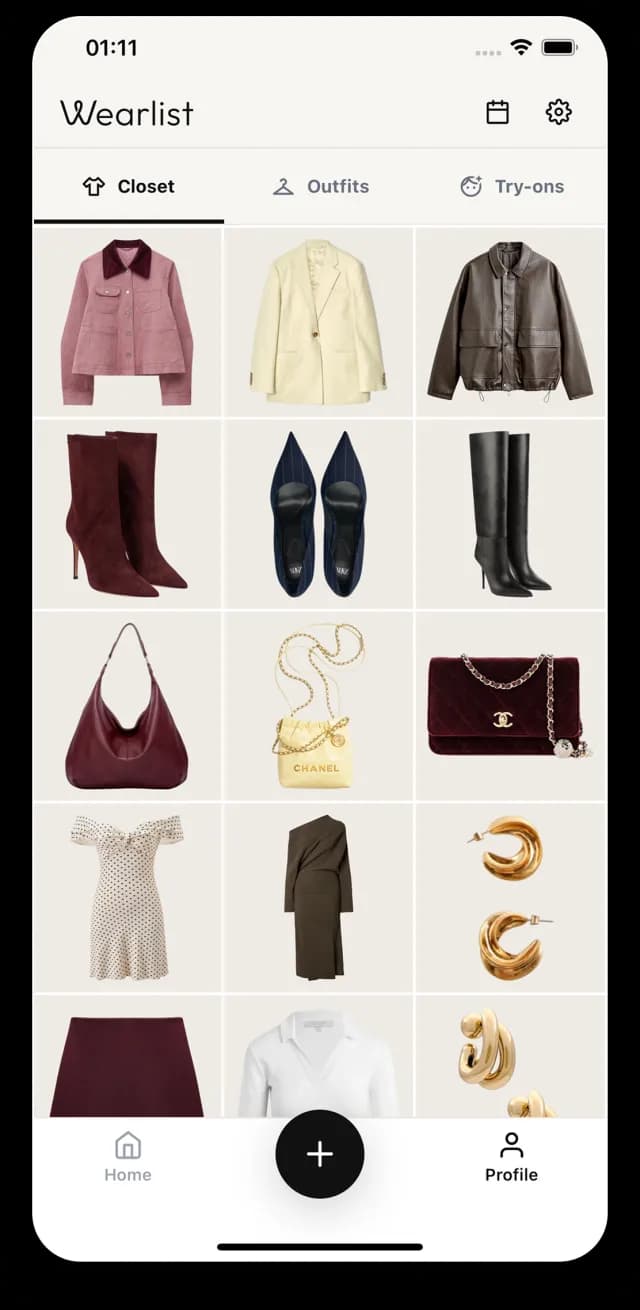
Wearlist closet screen showing a grid of jackets, boots, bags, dresses, and jewelry on clean backgrounds

01Digital closet

Your whole closet, in your pocket.

Snap a photo or import pictures you already have. Wearlist removes the background automatically, so every piece looks clean, consistent, and ready to style.

  • Capture with your camera or import from your gallery
  • Automatic background removal for every item
  • Organize by category, color, season, and occasion

Wearlist outfit canvas with a pink jacket, white top, burgundy skirt, boots, scarf, gloves, beanie, and bag

02Outfit builder

Mix. Match. Repeat.

Drop pieces onto a freeform canvas, then move, resize, and layer them until the look feels right. Save your favorites and come back to them any time.

  • Freeform canvas built for layering
  • Swap pieces in seconds to try new combinations
  • Save your looks to rewear and plan

03AI try-on

See it on you before you wear it.

Choose a photo of yourself and the pieces you want to wear. Wearlist creates a realistic preview of the whole outfit on you, privately.

  1. 1

    Pick your photo

    A clear, full-length photo works best.

  2. 2

    Choose your pieces

    Select the items you want to wear from your closet.

  3. 3

    Get your preview

    Save it, share it, or delete it. It's yours.

Try-on images are AI-generated previews for inspiration and may differ from how clothing actually looks or fits.

BeforeBefore: a woman in a black t-shirt and grey shorts standing in a hallway
AfterAfter: the same woman wearing a pink jacket, white top, burgundy skirt, scarf, beanie, gloves, boots, and bag from her closet
One photo plus pieces from the closet, styled into a single look.
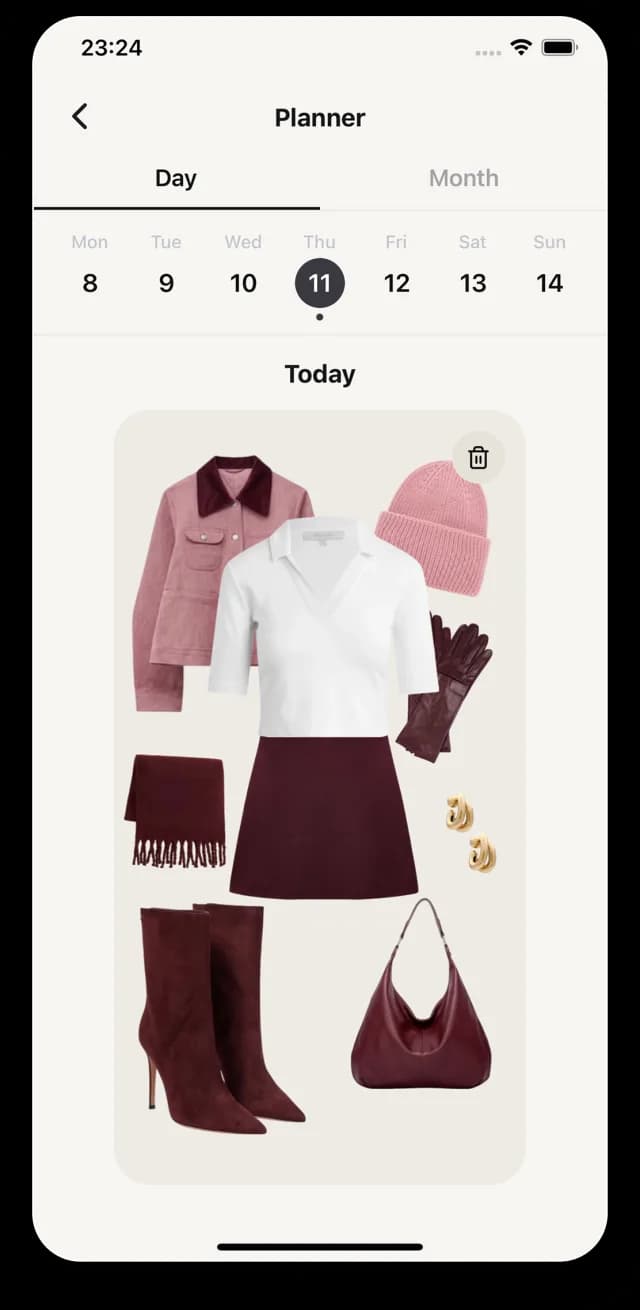
Wearlist planner screen with a weekly calendar and today's planned outfit

04Planner

Plan the week. Skip the morning rush.

Assign outfits to days in a simple calendar so you always know what to wear: workdays, trips, dinners, and everything in between.

  • Day and month views
  • Assign any saved outfit to a date
  • Plan ahead for workdays, trips, and events

Privacy

Your photos are yours.

Trying clothes on is personal. Your try-on photos are private to your account, and you decide what to keep.

Read our Privacy Policy
  • Private storage

    Your photos and try-on results are kept in private storage linked to your account.

  • Never posted, never sold

    We don't sell your personal information or share your photos publicly.

  • Processed only for your look

    Selected images go to our AI processing provider only to create the result you asked for.

  • Delete any time

    Remove a try-on whenever you like, or delete your whole account in the app or on the web.

FAQ

Questions, answered.

Can't find what you're looking for? Visit Support or email contact+wearlist@neidbau.com.

How do I add clothes to my closet?

Tap the + button, then take a photo or import pictures from your gallery. Wearlist removes the background automatically, so every piece sits on a clean, consistent backdrop in your closet.

What counts as an AI try-on?

One try-on is one generated image of you wearing the pieces you selected. Choose a photo of yourself and items from your closet, and Wearlist creates a single preview.

Results are AI-generated visualizations for inspiration. They may differ from how clothing actually looks or fits.

Are my try-on photos private?

Yes. Your photos and try-on results are stored in private storage linked to your account. They are never posted publicly or sold. To create a try-on, the selected images are sent to our AI processing provider only to generate the result you asked for.

You can delete try-ons at any time, and deleting your account removes them. Our Privacy Policy explains which providers process images and how long they keep data.

Which languages does Wearlist support?

The app is available in 73 languages and follows your device language automatically.

How do I delete my account?

In the app, open Settings and choose Delete Account. You can also request deletion at wearlist.app/account-deletion.

Account deletion permanently removes your closet, outfits, planner, photos, and try-on results.

Get dressed with Wearlist.

Build your closet tonight. Wake up knowing what to wear.

For iPhone, iPad, and Android · Available in 73 languages